Profile and Contact Details
Review the phone number, email address, and recovery details connected to the account. Keeping these records accurate can make future verification easier and can help prevent confusion if access needs to be restored.
 Register
NA333 Login helps registered users enter their account area to view profile settings, inspect wallet information, follow platform notices, and continue using available features from a phone or browser. This guide outlines a careful sign-in routine, practical checks after entry, recovery options for access problems, and habits that help keep private account information better protected.
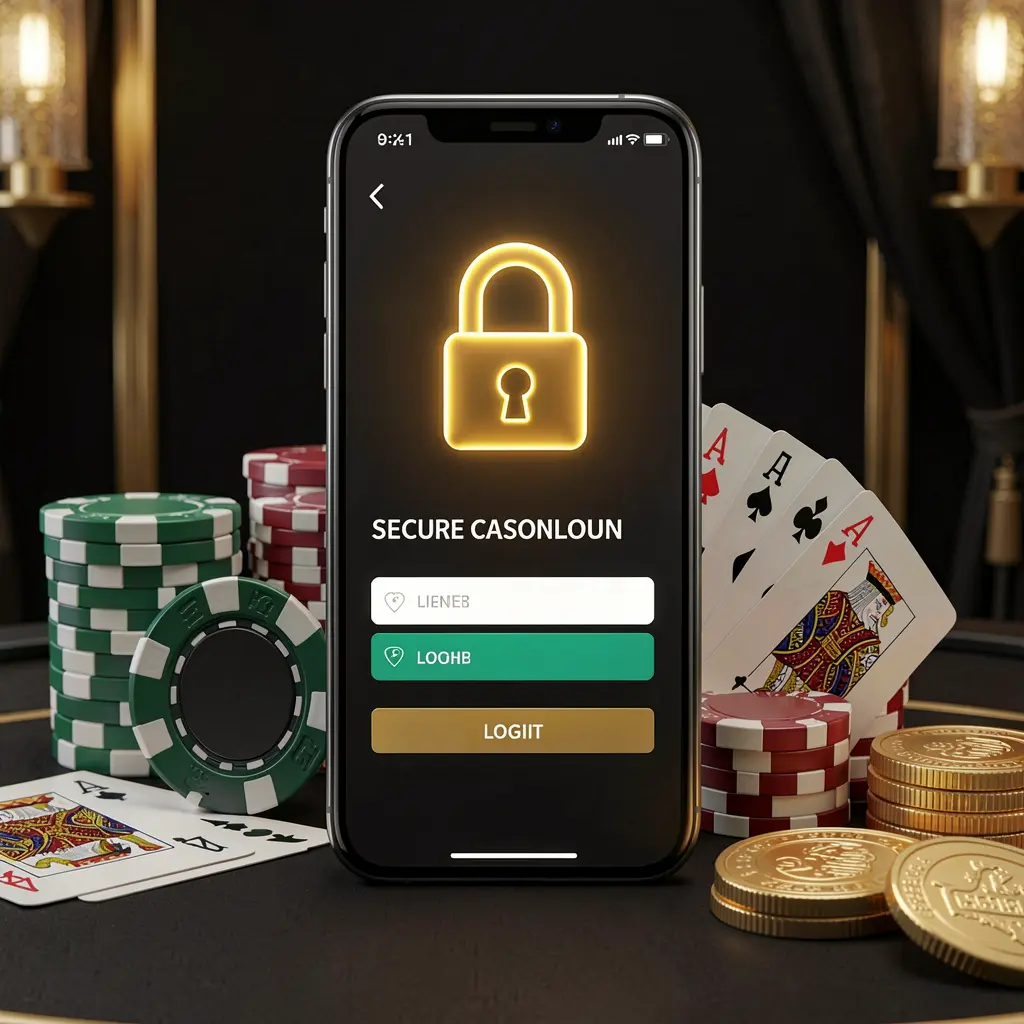
The NA333 Login page is where registered users enter their private account space. It can provide access to profile controls, account notices, wallet-related records, promotional information, and other dashboard tools connected with the user's registered details.
Before entering any credentials, confirm that the page comes from the official NA333 route or a bookmark saved from that route. Unfamiliar messages, copied pages, redirected links, and unofficial support profiles can place passwords, OTP codes, and personal details at risk.
Users in Bangladesh should approach account access with care, legal awareness, and personal limits. Gaming-related activity is intended for adults and should remain a controlled form of entertainment, never a response to financial pressure or a substitute for income.
A regular login routine can make account access easier and reduce avoidable errors. Use a private device when possible, follow the same trusted route, and pause if any screen asks for information that seems unexpected.
Open NA333 through its official website or a reliable bookmark. Do not rely on unknown chat messages, altered URLs, unverified advertisements, or links forwarded by people you do not know.
Enter the phone number, email address, or username used when creating the account. Check for typing errors, wrong keyboard settings, unnecessary spaces, and outdated autofill information before continuing.
Submit your password only on the verified login form. When a code, captcha, or confirmation is requested, complete it for your own session and keep every code private.
Once signed in, review the dashboard, profile information, recent activity, wallet records, and notices. Stop using the account and contact official support if you see unfamiliar details or changes.
Review the phone number, email address, and recovery details connected to the account. Keeping these records accurate can make future verification easier and can help prevent confusion if access needs to be restored.
Check visible balance information, transaction history, and any pending account entries before taking another action. Reviewing records regularly can help users identify details that need clarification through the official support channel.
If the dashboard displays promotions or notices, read the relevant terms before participating. Pay attention to eligibility, expiry information, usage requirements, and any conditions shown within the account area.
Use extra caution when signing in from a new phone, browser, or tablet. Log out after using a shared device, and avoid allowing browsers to save credentials on devices others can access.
Login interruptions can happen because of incorrect account details, weak connectivity, expired verification codes, browser settings, or an outdated saved password. Work through one possible cause at a time rather than repeatedly submitting the same form.
Check spelling, letter case, and the login detail attached to the account. If access still fails, use the official password reset process instead of making repeated password guesses.
Confirm mobile signal, inbox filters, and the registered contact detail. Wait briefly before requesting another code, as frequent requests may delay delivery or invalidate an earlier message.
Try refreshing the page, changing between Wi-Fi and mobile data, clearing browser cache, or using an updated browser. Close pages that redirect unexpectedly or request unrelated downloads.
A new device may require an extra confirmation step. Follow only the instructions shown through the official NA333 route, and never send screenshots or security codes to private contacts.
Account protection begins with everyday choices. A secure password, a locked personal device, and careful handling of verification messages can reduce the chance that another person gains access to private account information or account-related records.
NA333 access should be used thoughtfully and only where permitted by applicable rules. If gaming begins to affect money management, family life, work, or wellbeing, stop using the service and consider speaking with a trusted support resource.
Read common answers about NA333 Login, account recovery, mobile sign-in, verification checks, privacy, and responsible account access.
NA333 Login is the sign-in area for registered users who want to access account settings, profile information, wallet-related records, notices, and other dashboard features.
Use the official NA333 route or a trusted bookmark, check the web address before entering details, keep your password and OTP private, and log out after using a shared device.
NA333 Login can be accessed through a compatible mobile browser when using the correct official page. Keep your phone updated, use a screen lock, and avoid saving details on borrowed devices.
Use the official password recovery option and follow the instructions connected to your registered account detail. Avoid sharing recovery messages, codes, or screenshots with unofficial contacts.
A verification code or similar check may be used to confirm a login attempt or new device. Enter it only on the official NA333 page and do not forward it to anyone else.